setup for DevNexus workshop – BDD with Spock and JUnit 5

Burk Hufnagel and Jeanne Boyarsky will be presenting a full day workshop entitled “Behavior Driven Development with Spock / What’s new with JUnit 5“. at DevNexus this year. Attendees will use their laptops.

If you run into any trouble setting up for the lab, you can post a comment on this blog post or start a thread in the Testing or IDEs forum at CodeRanch.

Here’s what needs to be installed:

Java

The workshop uses Java 8. If you have Java 9 installed, please ensure it is not the default:

  • Windows/Linux: Update your path
  • Mac: mv /Library/Java/JavaVirtualMachines/java 9/Info.plist /Library/Java/JavaVirtualMachines/java 9/Info.plist.disabled

Validation: run java –version at the command line and ensure it prints out a Java 8 version.

Eclipse (recommended)

You can use the IDE of your choice or none at all. We will be able to answer all questions about Eclipse and the command line. If you choose IntelliJ (2017.2.1 or later), please be sure you are comfortable navigating, running tests and running builds in it.

  1. Download and install Eclipse Oxygen. If you already have Eclipse Oxygen, check the splash screen says it is the December version. If not, please download the latest Eclipse Oxygen.
  2. Help > Eclipse Marketplace Install the STS (Spring Tool Suite) plugin
Validation:

  1. Try to create a new empty Gradle project:
  2. File > New > Other > Gradle Project
  3. Give the project a name and finish
  4. Wait a minute or two for the project to be created
  5. File > New > JUnit Test Case
  6. Confirm you have a radio button called “New JUnit Jupiter test”

  7. Click cancel to exist the wizard
  8. File > New > Other > Spring > Spring Bean Definition
  9. Click cancel to exit the wizard
  10. Success, you are ready for the workshop!

Optional: Gradle

We will be using Gradle as the build tool. While the projects will contain a Gradle command line, you are welcome to use your own Gradle install.

Optional: Git

One of the steps will be to pull code from git. If you have a git command line (or git bash), this is a one line operation. If not, you’ll be able to download a zip file from github so this isn’t a hard requirement.

 

zooming in on the mac

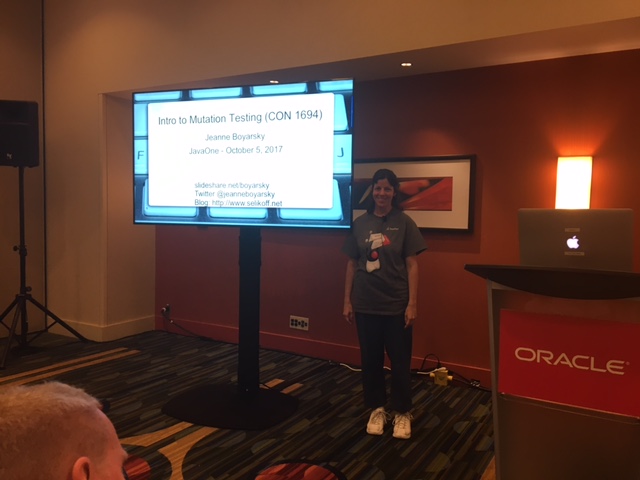
At my JavaOne Session on mutation testing, I needed to show both code and “other materials” to a large room on the Mac.

In Eclipse

Increasing the font size for the editor pane in Eclipse is easy. Cmd = makes the code bigger and Cmd – makes the code smaller.

Elsewhere

I also needed to show the problems view and the report. For this, I used the magnifying glass.

The initial set up was

  • Settings
  • Accessibility
  • Zoom
  • Check “Use Scroll gesture with modifier keys to zoom. I had mine set to control for the modifier, but you can change this.

Then I could zoom in on anything by holding control and moving two fingers away from me (up) on the trackpad.

To get rid of the magnifier is also easy; just hold control and two finger scroll down.

Speaking at JavaOne!

This year was my first visit to JavaOne and I got to go as a speaker! This wasn’t my first year applying, but it was my first year being accepted. If you are looking for my live blog posts, see the table of contents.

Applying

In addition to the usual (summary/abstract and bio), you had to submit a description of the session. You also had to submit a video of you speaking. I used the Mutation Testing talk from the NY Java User Group.

Getting accepted

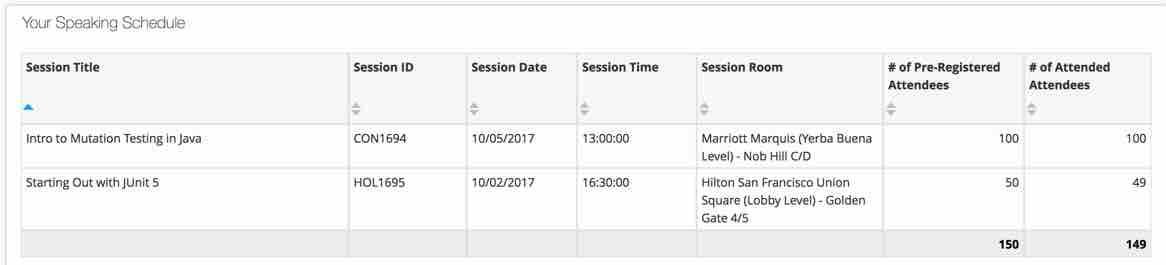
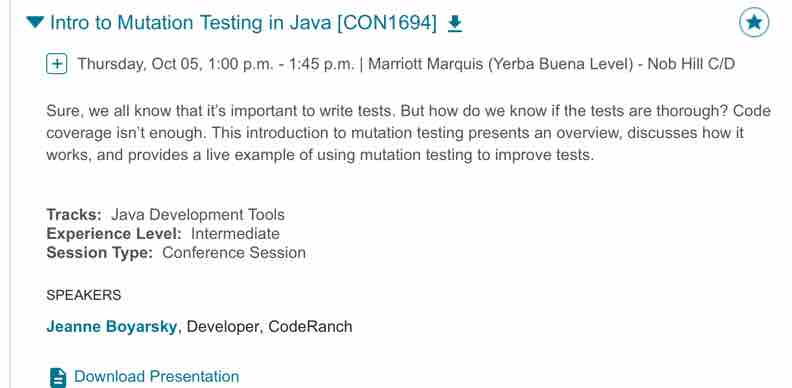
On July 28th, I got an email saying my “JUnit 5 Hands On Lab” was accepted and I had two weeks to accept/decline. (I know people who got accepted two weeks earlier so I had originally thought I was rejected rather than being in “Phase 2.”) Then in later August, I got accepted for my “Intro to Mutation Testing” talk. This was about 5 weeks before the conference; luckily the mutation testing talk already existed and just needed minor edits/review. The on August 25th, I got the date/time of my sessions. Here’s my two sessions!

Picking Sessions

Before the conference, you have the opportunity to pre-register for sessions. Some fill up; especially hands on labs. If you don’t pre-register for a session, you can still try to attend off a physical wait list. But you get in earlier (and guaranteed) if you sign up. If a session got cancelled or changed rooms after pre-registering, you also got an email.

Getting Ready

I had done the mutation testing session before (well a shorter version of it). The JUnit 5 lab was new. It was fun to write. Like writing a chapter in a book (see it in github). But easier because I’d get to meet my audience. Steve Moyer from Penn State University and his two teammates offered to help me proctor the lab. This was immensely helpful. I practice both sessions a few times. Then I was ready!

There was some confusion about the Hands On Lab. Originally we were told that all labs would use VMs. After setting up my VM and submitting it, they said JavaOne sessions would use attendee laptop. Oh well, at least I got to play with Windows 10.

At the event

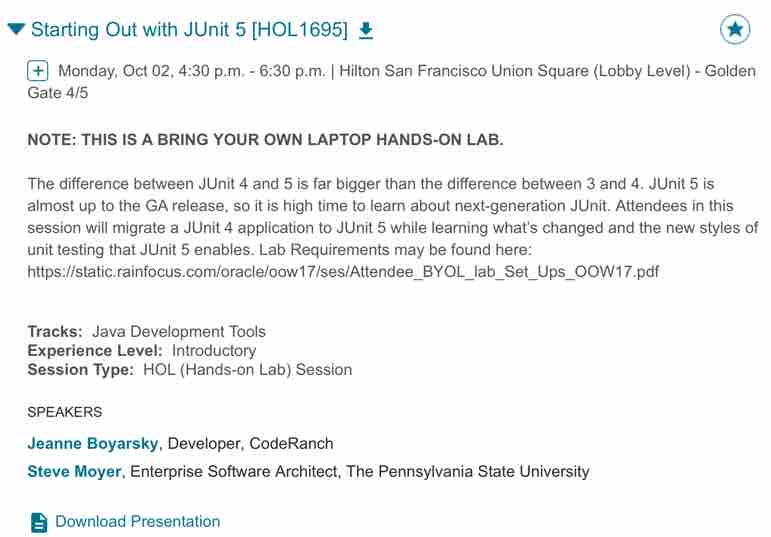
I got there and saw Duke inviting us in. Well, a cardboard Duke!

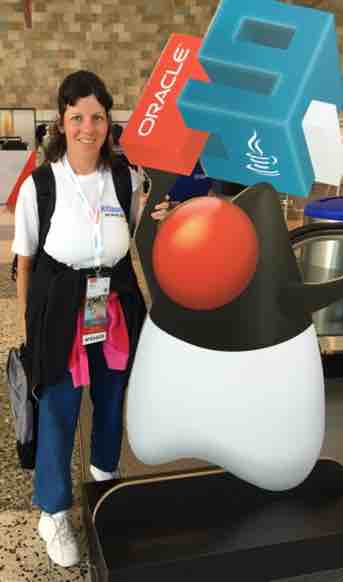
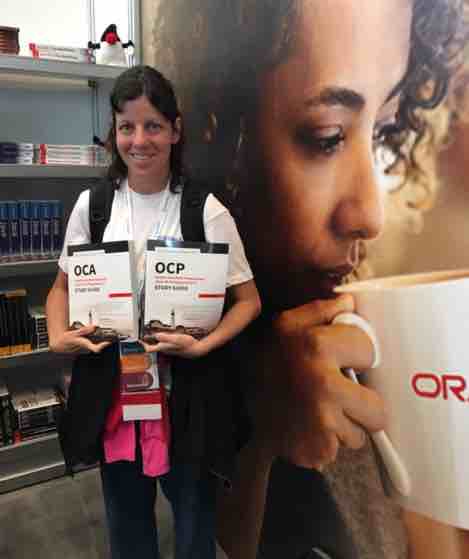
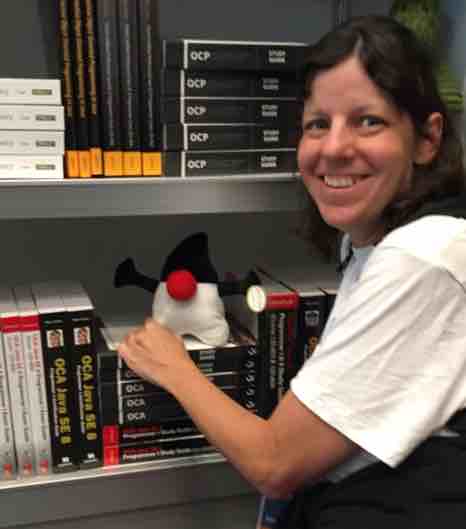
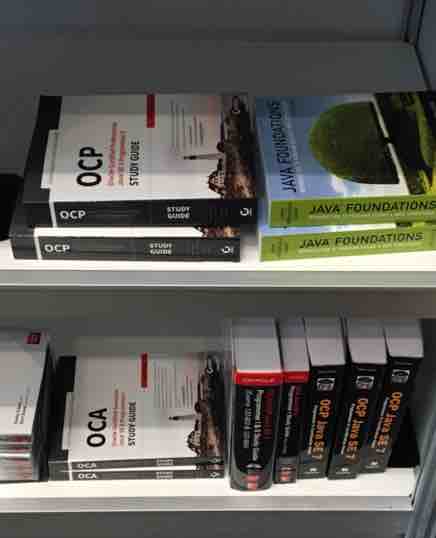
I also saw the JavaOne bookstore and took pictures with Scott and my books. I even went back later to see them with less books there.

Oh, and outside the conference, I rode a Segway. First time on a city street.

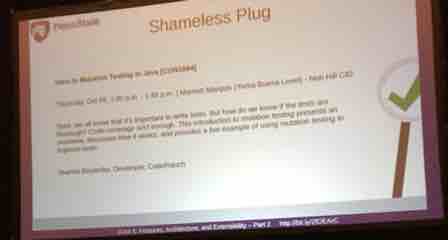
During a JUnit 5 session, Steve Moyer plugged my session:

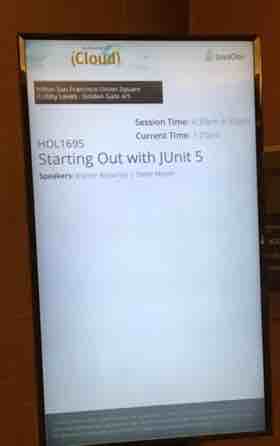
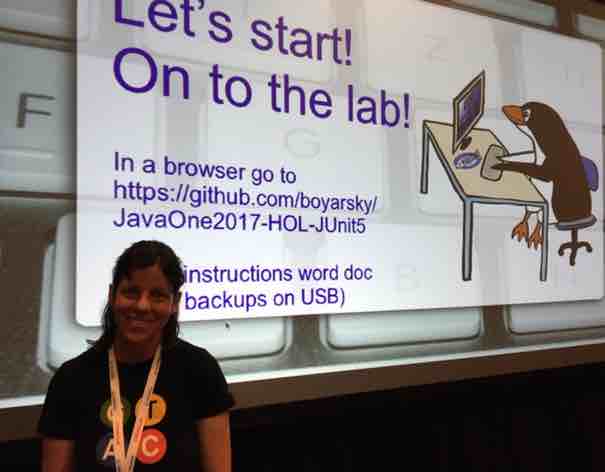
And then there were my sessions:


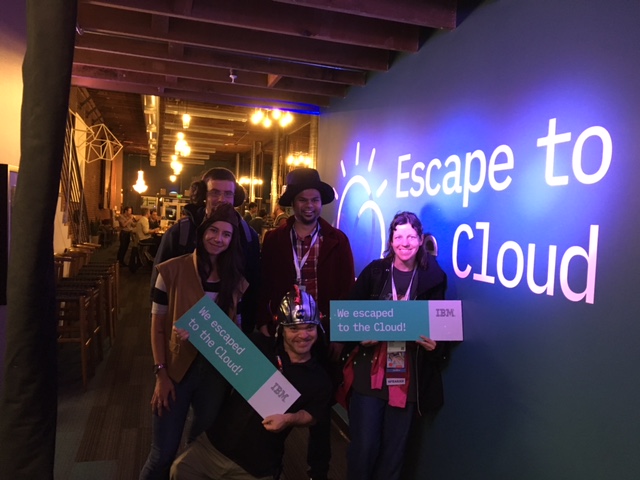
After hours, I was on the winning team at IBM’s escape room with Sai (from the NY Java Sig) and three people we just met from Canada.

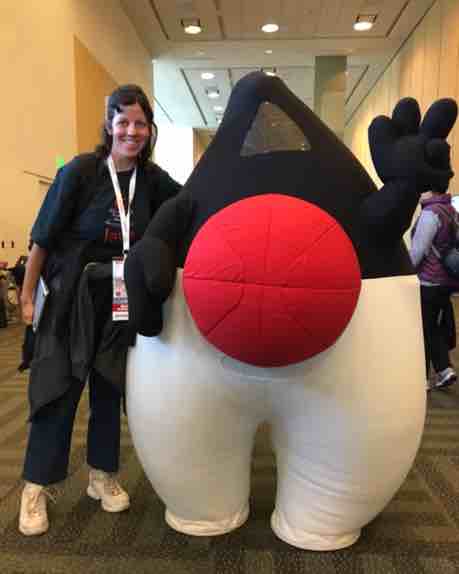
And of course I got to give Duke a hug!

After the conference
Shortly after each session, you could see the number of people who came to your session. I was at room capacity (or one under) for both sessions. I had a physical wait list line for both. For the JUnit 5 lab, someone even got on line 30 minutes early to ensure he’d get in!

In about a month, we get feedback from attendee surveys. Neither of my rooms was in a room with a thumbs up/side/down button so I’ll only get feedback from those who filled out the survey online. I got good feedback out loud though!