
Oracle Code One 2018 – live blog index

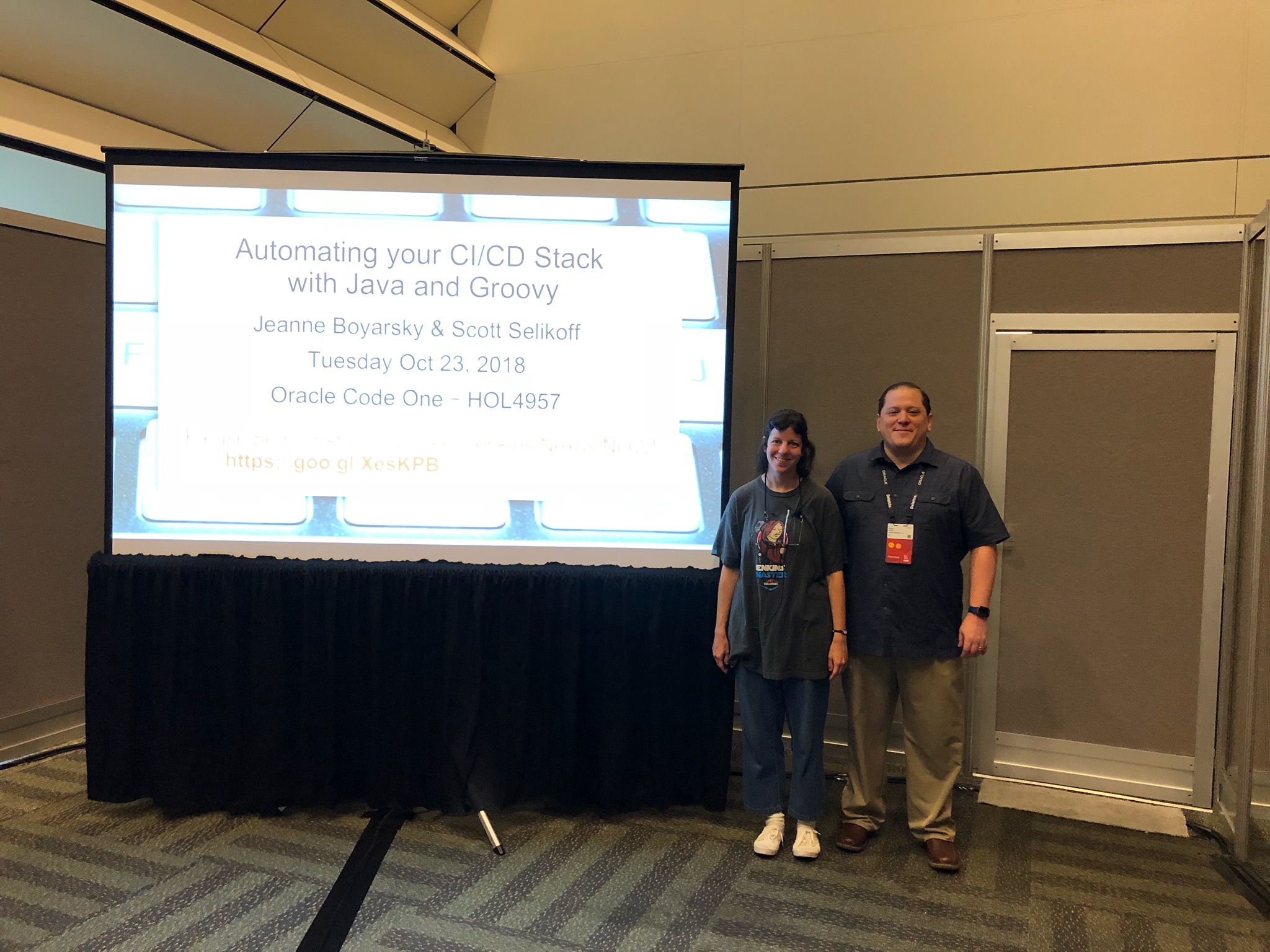
First time at Oracle Code One! (second time if you count JavaOne!) This post will be updated over the next 4 days with links to all the posts while we’re here.  We are also tweeting: Scott Selikoff and Jeanne Boyarsky
 

Big differences with the new name

Note: I only went to JavaOne once so I don’t know how much of this was specific to last year

  • Signage
  • No Duke cardboard cutout (but Duke still waddles around for pictures)
  • Sunday community day is gone. But there is now a free Discover pass with access to the keynotes.
  • That’s pretty much it. Great conference.

Monday

Tuesday

Wednesday

Thursday

phone problems at the phone company

I called Verizon today to deal with a problem. I still have the problem (this is my 4th call on the topic) which is that my phone and DSL are on separate billing cycles. Last month, they identified the problem and told me it would be resolved. And here we are this month. Still not resolved.

This month’s call came with a twist. I was asked for my PIN to identify myself. I was unaware that I had a PIN. And nobody asked me for my PIN last month or the month before. So the rep texted me a one time verification code. Fine.

After we didn’t resolve my first problem, I asked how I set this PIN to something I know. He transferred me to customer service. Who doesn’t do that and transferred me to another call center that sounded like India. (They were very close together and there was much conversation that wasn’t in English. Plus the accents.) I waited 10 minutes to speak to someone there. He couldn’t here me well and eventually said someone would call be back because the phone connection wasn’t good.

I understand the phone connection in India isn’t Verizon’s fault. But having someone “at the phone company” tell you that they are having phone troubles is ironic.

jenkins convert to pipeline plugin

I needed to convert a freestyle job to a pipeline job for “Automating your Ci/CD Stack with Java and Groovy” Hands On Lab at Oracle Code One. It’s a really simple project, but it is still a pain to convert by hand.

I had read about the Convert to Pipeline plugin so decide to give it a shot. It’s easy enough to install a plugin.

Generated Pipeline

Below is what got generated. While I’d like to assume that credentials binding isn’t in wide use, that one didn’t surprise me. In hindsight, it makes sense because the credentials binding would need to wrap the Gradle block. I was surprised that Gradle wasn’t supported.

I am glad that the tool leaves comments for what you need to do by hand.

// Powered by Infostretch 

timestamps {

node () {

	stage ('osprey - Checkout') {
 	 checkout([$class: 'GitSCM', branches: [[name: '*/master']], doGenerateSubmoduleConfigurations: false, extensions: [], submoduleCfg: [], userRemoteConfigs: [[credentialsId: '', url: 'https://github.com/boyarsky/OracleCodeOne2018-HOL-Automating-Stack-Groovy.git']]]) 
	}
	stage ('osprey - Build') {
 	
// Unable to convert a build step referring to "org.jenkinsci.plugins.credentialsbinding.impl.SecretBuildWrapper". Please verify and convert manually if required.
// Unable to convert a build step referring to "hudson.plugins.gradle.Gradle". Please verify and convert manually if required.
		// JUnit Results
		junit 'osprey-project/build/test-results/test/*.xml' 
	}
}
}

Using the pipeline generator

On the pipeline job, you can click the “pipeline syntax” link. It opens a new browser tab with a pull down for common pipeline operations.

Credentials

I choose “withCredentials”, entered the variable names and selected the credential from the pull down. Then I clicked “Generate Pipeline Script” and got:


withCredentials([usernamePassword(credentialsId: 'nexus', passwordVariable: 'nexusPassword', usernameVariable: 'nexusUserName')]) {
// some block
}


Gradle

That brings us to Gradle. As far as I can tell, there are only objects for Gradle if you are using Artifactory. I am using the gradle wrapper though, so I followed the advice of this Stack Overflow post and just called gradlew.


withCredentials([usernamePassword(credentialsId: 'nexus', passwordVariable: 'nexusPassword', usernameVariable: 'nexusUserName')]) {
  sh "./osprey-project/gradlew clean build -b osprey-project/build.gradle -PnexusBaseUrl=http://nexus:8081 -PnexusUserName=${nexusUserName} -PnexusPassword=${nexusPassword}"
}

I decided to separate the publish step into a different stage and rename the stages as well.  Resulting in:


// Powered by Infostretch 

timestamps {

node () {

	stage ('Checkout') {
 	 checkout([$class: 'GitSCM', branches: [[name: '*/master']], doGenerateSubmoduleConfigurations: false, extensions: [], submoduleCfg: [], userRemoteConfigs: [[credentialsId: '', url: 'https://github.com/boyarsky/OracleCodeOne2018-HOL-Automating-Stack-Groovy.git']]]) 
	}
	stage ('Build') {
	    
	   withCredentials([usernamePassword(credentialsId: 'nexus', passwordVariable: 'nexusPassword', usernameVariable: 'nexusUserName')]) {
          sh "./osprey-project/gradlew clean build -b osprey-project/build.gradle -PnexusBaseUrl=http://nexus:8081 -PnexusUserName=${nexusUserName} -PnexusPassword=${nexusPassword}"
       }

		// JUnit Results
		junit 'osprey-project/build/test-results/test/*.xml' 
	}
	
	stage ('Publish') {
	    
	   withCredentials([usernamePassword(credentialsId: 'nexus', passwordVariable: 'nexusPassword', usernameVariable: 'nexusUserName')]) {
          sh "./osprey-project/gradlew publish -b osprey-project/build.gradle -PnexusBaseUrl=http://nexus:8081 -PnexusUserName=${nexusUserName} -PnexusPassword=${nexusPassword}"
       }
	}
}
}

Note: My actual build file was bigger. The parts outside the pipeline (ex: project security settings) got preserved.