
I’ve started offering using Oracle’s Java Playground for labs when I do half or full day trainings. While not all features can be used in playground. many can. This lets people do most of it if they bring a corporate laptop where they can’t install the matching version.
This time, I decided to put the Java Playground instructions in a blog post since they aren’t specific to the lab and anyone reading this blog post might find it useful.
Getting started – running simple code
Just put the contents of what would go in a main method. For example,
System.out.println("Java");
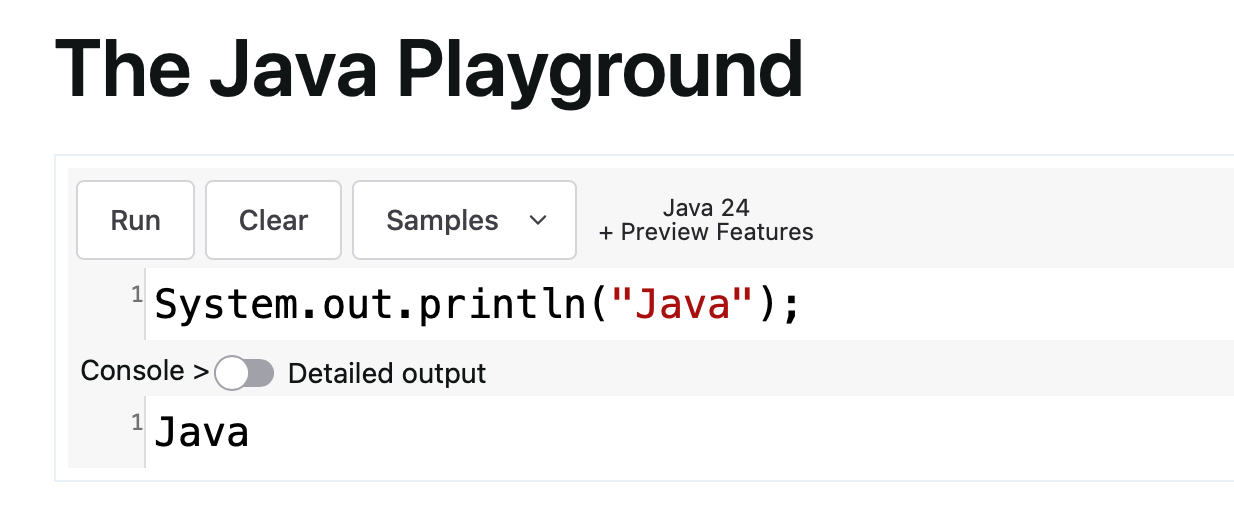
Working with classes/records
To use classes or records, you declare them before your code and then put the calling code “loose”.
public class Foo {

}

new Foo();
Using long code listings
If the code is too long, you’ll get a suggestion to use an IDE as output. All my labs can be done in the playground except for the modules where stated otherwise. You may have to delete some code in order to get later parts of the module to run. (Commenting out does not work as it does not decrease line length)
Features not supported
If you try to run something that isn’t allowed you get:
Your snippet is trying to perform an unauthorized operation!
Examples of unauthorized operations include:
- thread operations (sleep, platform threads, virtual threads)
- reading a system property or environment variable
- reading/writing from a file